Workloads
How Git integrations work
Credentials, provider tokens, and repository sources — and the webhook rule that matters.
#Three resources
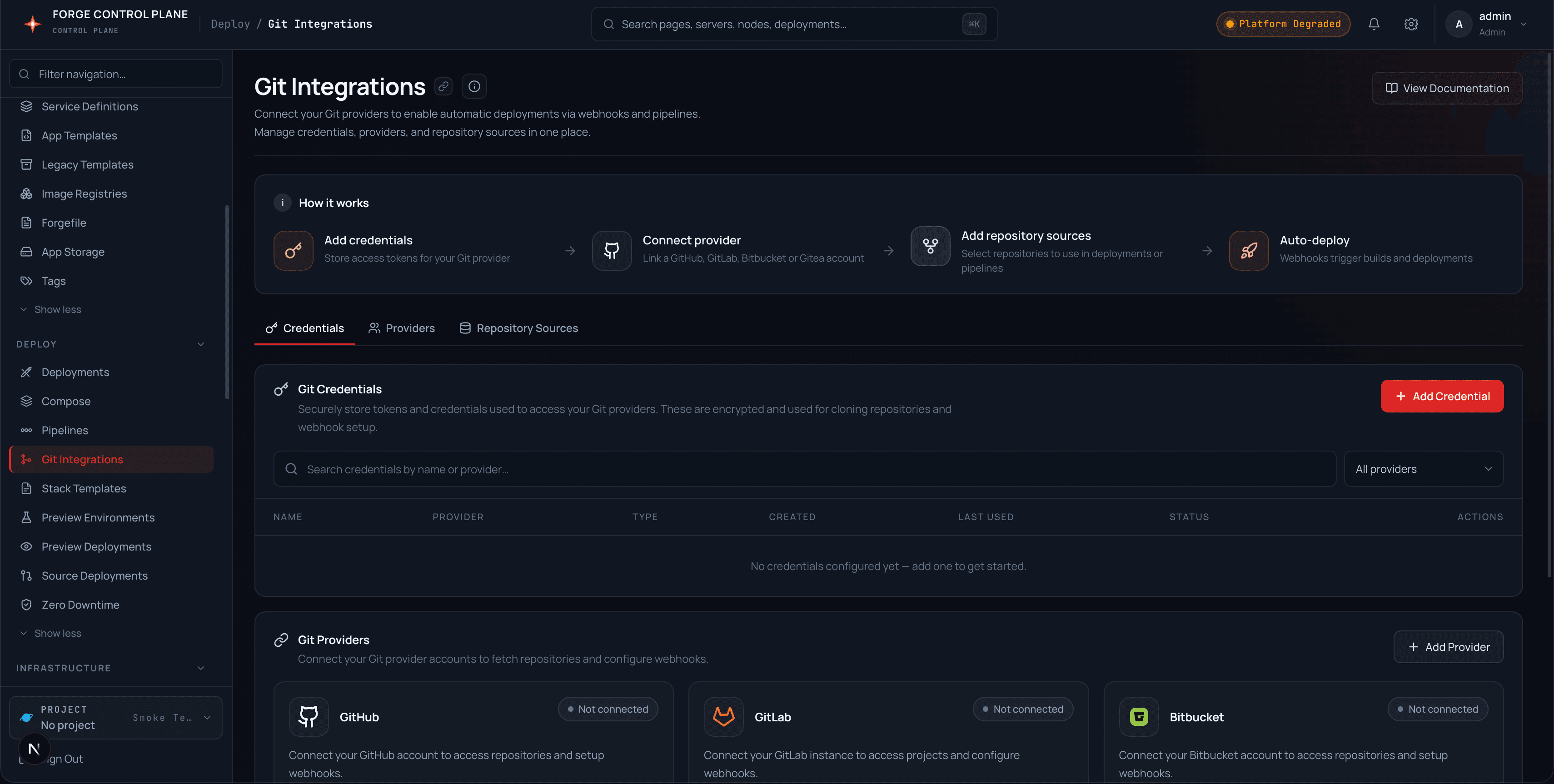
| Resource | Stores | Endpoints |
|---|---|---|
| Credentials | SSH deploy keys, HTTPS tokens, username/password — encrypted at rest. | /git/credentials (+ :id/generate-key) |
| Providers | OAuth/PAT tokens per GitHub, GitLab, Bitbucket, Gitea account. | /git/providers (+ :id/test, PATCH rename) |
| Sources | Repo URL, owner, branch, and which credential or token it uses. | /git/sources |
#Test before you trust
Tokens can be validated without persisting them (POST /git/providers/test) and saved tokens can be re-tested any time (POST /git/providers/:id/test). The check calls the provider's own user API, so a failure means the token is rejected or lacks permission — not a Forge bug.
Auto-deploy webhooks install only when a source is linked via a provider token. Credential-linked or public sources cannot install webhooks. A source whose webhook failed shows an amber warning instead of silent success.
#Webhooks
Each provider has a public receiver (POST /git/webhook/github and siblings) that verifies signatures, ignores non-push events with 204, and answers 200 — never an oracle — for unknown repos or bad signatures. Sources can also provision deploy keys, link to environments, and browse provider repos, branches, trees, and commits.